 Processors
 Motherboard
 Memory (RAM)
 Graphic Card
 Storage Devices
 Power Supply
 CPU COOLERS
 Casings
 Cooling Fan
 Keyboard
 Keyboard & Mouse Combo Packs
 Mouse
Mouse Speaker
 Gaming Controllers
 Headset
 Web Camera
 Sound Card
 Cooling Fan
 Bluetooth Adapter
 USB HUBS
 Microphones
 Mouse pad
 Assembled Brand New System Units
 Used System Units
 Brand New
 Recondition
 Brand New Laptops
 Recondition Laptops
 Laptop Batteries
 Laptops Bags & Pouch
 Laptop Charges
 Laptop Cooling Fans
 Laptop Display
 Laptop DC Jacks
 Laptop Hard Drive
 Laptop Keyboards
 Laptop Protection Stickers
 Laptop RAM
 Laptop Speakers
 Laptop Stands & Cooling Pads
 Access Points
 ADSL Routers
 Dongles
 Face Plate
 Mobile Wi-Fi Hotspot
 Network Switch
 Network Tools
 Network Cables
 Network Connectors
 Network Cards
 Telephone Cables & Accessories
 USB WIFI Adapters
 Unlocked Wi-Fi Routers
 USB /Type C Lan Adapters
 WIFI Extenders
 Ugreen Audio Cables & Sound Accessories
 Ugreen Converters
 Ugreen Car Chargers
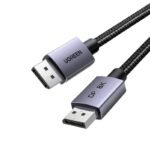 Ugreen Display Port Cable (DP)
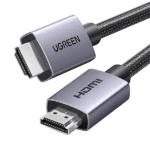 Ugreen HDMI Cable
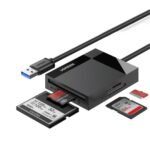 Ugreen Memory Card Readers
 Ugreen Network Accessories
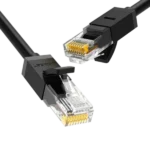 Ugreen Network Cable
 Ugreen Other Accessories
 Ugreen Phone Charges
 Ugreen Power Banks
 Ugreen Type C to C Cables
 Ugreen TYPE C HUB & CONVERTERS
 Ugreen Type C to Lightning Cables
 Ugreen USB to Type C Cables
 Ugreen USB HUB
 Ugreen USB to Micro Cables
 Ugreen USB to Lightning Cables
 Ugreen VGA Cable
 Baseus Car Chargers
 Baseus Converters
 Baseus HDMI Cable
 Baseus Network Cable
 Baseus OTG Connectors
 Baseus Other Prodcuts
 Baseus Phone Charges
 Baseus Power Banks
 Baseus TYPE C HUB & CONVERTERS
 Baseus Type C to C Cables
 Baseus Type C to Lightning Cables
 Baseus USB to Lightning Cables
 Baseus USB to Micro Cables
 Baseus USB HUB
 Baseus USB to Type C Cables
 SSD
SSD Pen Drive
 NVME
NVME External HDD
 Memory Cards
 Desktop Hard Drives
 Laptop Hard Drive
 CCTV Hard Drives
 External SSDs
 M.2 SATA
 Cartridge Printer
 Ink Tank Printers
 Laser Printers
 Wi-Fi Printers
 Scanners
 Audio Converters
 Display Port Converters
 DVI Converters
 HDMI Converters
 Hard Disk Converters
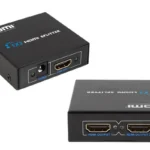 HDMI Splitter
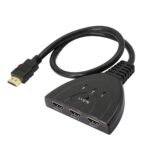 HDMI Switch
 OTG
OTG Other Converters
 Type C Hubs & Converters
 VGA Converters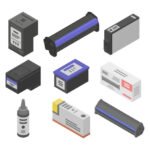
 Cartridges
 ink Bottles
 Ribbons
 Toners
 Printer Heads
 Printer Drums
 Printer Spare Parts
 Barcode Scanner
 Barcode Printer
 Bill Rolls & Barcode Stickers
 Bill Printer
 Cash Drawers
 Line Interactive UPS
 UPS Batteries
 Router UPS
 Online UPS
 AA & AAA Batteries
 A4 & Computer Papers
 CMOS Batteries
 Capture Card
 Cleaning Tools & Accessories
 CCTV Cameras
 Car & Bike Phone Holders
 Car Chargers
 External DVD Writers
 Empty CD / DVD
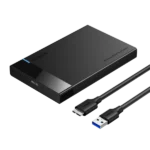 Hard Disk Enclosures and Caddys
 Land Phones
 Memory Card Readers
 Power Extension Cords
 Power Banks
 Power Packs
 Phone Chargers
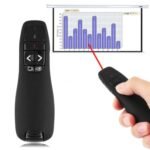 Projector Presenters
 TV Stick & Screen Mirror Device
 THERMAL PASTE
 Tool Kits
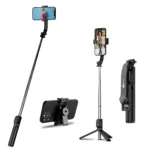 Tripods, Phone Holders & Selfie Sticks
 Voice Recorder
 Virus Guards
 Wall Brackets
 Audio Cables
 Display Port Cable
 DVI Cable
 Extension Cable
 HDMI Cable
 Lightning Cables
 Micro Cables
 Network Cables
 Optical Cable
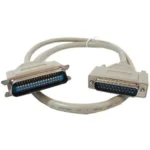 Parallel Cable
 Power Cables
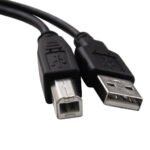 Printer Cables
 SATA DATA & Power Cables
 Type C Cables
 USB to Mini USB Cable (V3 Cable)
 USB Male to USB Male Cable
 USB 3.0 Hard Disk Cable (External Hard Disk Cable)
 VGA Cable
 Promotions
 Shop
Shop Quotation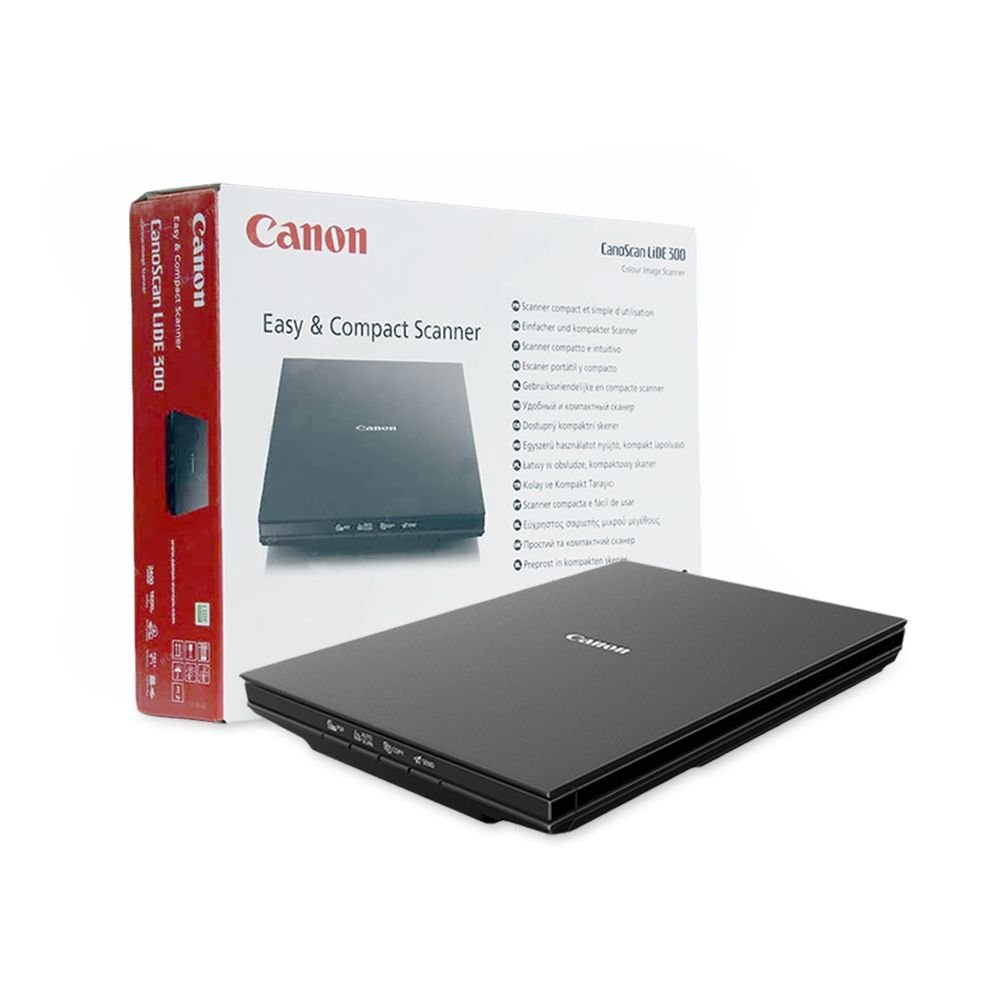

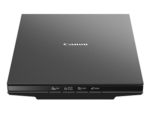



රු26,500.00

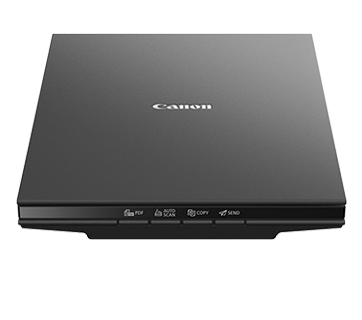
Canon CanoScan Lide 300 Scanner
(One Year Warranty)
Canon CanoScan LiDE 300 A4 Size Flatbed Scanner
Compact, sleek and affordable scanner for home or office
With a sleek, compact and stylish design, this lightweight A4 flatbed scanner is fitted with 4 EZ operation buttons for easy use and hassle-free scanning. Perfect for high-resolution scanning at home or in the office.
Classy and compact
Slender, stylish and weighing just 1.7kg, CanoScan LiDE 300 is an affordable space-saving solution. No power output is needed either – just use your PC or laptop’s USB connection.
Trouble-free operation
Take the hassle out of scanning thanks to the 4 EZ operation buttons, which take you straight to Auto Scan, copy, email and PDF.
Rapid results
Scanning takes no time at all with CanoScan LiDE 300. It takes approximately 10 seconds to get a 300 dpi A4 scan, saving you precious time and maximising efficiency.
Impressive quality
Remove shadows caused by book or magazine spines and ensure pristine text and photos up to 2400 x 4800 dpi thanks to Auto Document Fix and Auto Photo Fix*.
One button for perfection
Achieve the right scanning settings for documents and photos at the touch of a button with Auto Scan and get the perfect result every time.
Warranty Information
01 Year Warranty
What’s In The Box
A4 flatbed scanner – CanoScan LiDE 300
USB cable
Manuals and other documents
Product Details
Scanner Type
Flatbed
Scanning Element
Contact Image Sensor (CIS)
Light Source
Three-color (RGB) LED
Features
4 ‘EZ’ Buttons, Advanced Z-lid™ Expansion Top, Auto Dust & Scratch Reduction (Windows Only), Auto Document Fix (Windows Only), Auto Scan Mode3, Digital Filing, Fading Correction (Windows Only), Grain Correction (Windows Only), Gutter Shadow Correction (Windows Only), High-Speed Scanning1, Image Correction, Low Power Consumption, Multi-Page PDF, OCR (Optical Character Recognition)4, One Cable For Data & Power, Send to Cloud5
Scanner Buttons
4 ‘EZ’ Buttons; Auto Scan, Copy, PDF (Scan Start), Send
Max. Resolutions
Optical:Optical: 2400 x 2400 dpi2Interpolated:19,200 x 19,200 dpi2
Scanning Speed
Document: Approx. 10 Seconds (300 dpi/Letter Size/Color) 4×61
Photo: Approx. 5 Seconds (300 dpi/Color)1
Scanning Mode
Color: 48-bit Internal / 48- or 24-bit External
Grayscale: 16-bit Internal / 8-bit External
Max. Document Size
8.5 x 11.7 (Letter/A4)
Dimensions (W x D x H)
14.5 (W) x 9.9 (D) x 1.7 (H)
Weight
3.6 lbs.
OS Compatibility
Windows: 7 Windows® 10, Windows 8.1, Windows 7 SP1
Mac: macOS® X v10.11 – macOS v10.13 (High Sierra)
Linux®:9 Requires ScanGear MP Driver Installed
Power Requirements
Hi-Speed USB 2.0 (One Cable For Data & Power)
Software
(WINDOWS7 /MAC8/LINUX9)
CanoScan LiDE 300 Color Image Scanner Driver
IJ Scan Utility (Windows) / IJ Scan Utility Lite (Mac)
Auto Scan, Document Scan, Photo Scan, Custom Scan, Stitch Scan, and OCR (Optical Character Recognition)4
ScanGear MP Driver9
Quick Menu
Max. Power Consumption
4.5 W (0.3 W Standby)
Operating Temperature:
41 – 95°F (Without Condensation)
Operating Humidity:
10 – 90% (Relative Humidity)
Warranty
1-Year Limited Warranty
CERTIFICATION
Energy Star® Certified
SCANNER METHOD
LiDE (LED Indirect Exposure)