 Processors
 Motherboard
 Memory (RAM)
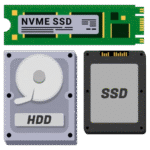 Storage Devices
 Graphic Card
 Power Supply
 CPU COOLERS
 Casings
 Cooling Fans & Controllers
 Casing Fans
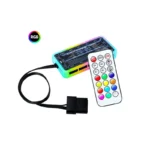 Fan Controllers
 Keyboard
 Keyboard & Mouse Combo Packs
 Mouse
Mouse Speaker
 Gaming Controllers
 Headset
 Web Camera
 Sound Card
 Bluetooth Adapter
 USB HUBS
 Microphones
 Mouse pad
 Brand New System Units
 Used System Units
 Brand New
 Recondition
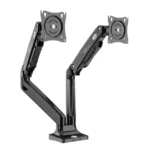 Monitor Arm
 Brand New Laptops
 Recondition Laptops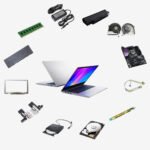
 Laptop Batteries
 Laptops Bags & Pouch
 Laptop Charges
 Laptop Cooling Fans
 Laptop Display
 Laptop DC Jacks
 Laptop Keyboards
 Laptop Protection Stickers
 Laptop Speakers
 Laptop Stands & Cooling Pads
 Access Points
 ADSL Routers
 Dongles
 Face Plate
 Mobile Wi-Fi Hotspot
 Network Switch
 Network Tools
 Network Cables
 Network Connectors
 Network Cards
 Telephone Cables & Accessories
 USB WIFI Adapters
 Unlocked Wi-Fi Routers
 USB /Type C Lan Adapters
 WIFI Extenders
 Ugreen Audio Cables & Sound Accessories
 Ugreen Converters
 Ugreen Car Chargers
 Ugreen Display Port Cable (DP)
 Ugreen HDMI Cable
 Ugreen Memory Card Readers
 Ugreen Network Accessories
 Ugreen Network Cable
 Ugreen Other Accessories
 Ugreen Phone Charges
 Ugreen Power Banks
 Ugreen Type C to C Cables
 Ugreen TYPE C HUB & CONVERTERS
 Ugreen Type C to Lightning Cables
 Ugreen USB to Type C Cables
 Ugreen USB HUB
 Ugreen USB to Micro Cables
 Ugreen USB to Lightning Cables
 Ugreen VGA Cable
 Baseus Car Chargers
 Baseus Converters
 Baseus HDMI Cable
 Baseus Network Cable
 Baseus OTG Connectors
 Baseus Other Prodcuts
 Baseus Phone Charges
 Baseus Power Banks
 Baseus TYPE C HUB & CONVERTERS
 Baseus Type C to C Cables
 Baseus Type C to Lightning Cables
 Baseus USB to Lightning Cables
 Baseus USB to Micro Cables
 Baseus USB HUB
 Baseus USB to Type C Cables
 SSD SATA 2.5”
 Pen Drive
 NVME
NVME External HDD
 Memory Cards
 Desktop Hard Drives
 Laptop Hard Drive
 CCTV Hard Drives
 External SSDs
 M.2 SATA
 Cartridge Printer
 Ink Tank Printers
 Laser Printers
 Wi-Fi Printers
 Scanners
 Audio Converters
 Display Port Converters
 DVI Converters
 HDMI Converters
 Hard Disk Converters
 HDMI Splitter
 HDMI Switch
 OTG
OTG Other Converters
 Type C Hubs & Converters
 VGA Converters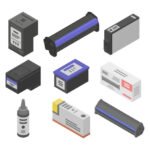
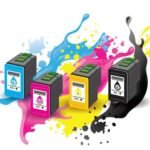 Cartridges
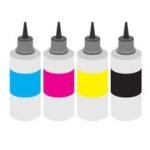 ink Bottles
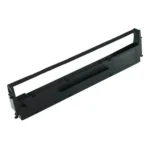 Ribbons
 Toners
 Printer Heads
 Printer Drums
 Printer Spare Parts
 Barcode Scanner
 Barcode Printer
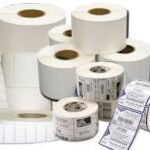 Bill Rolls & Barcode Stickers
 Bill Printer
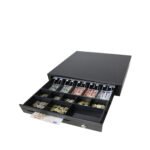 Cash Drawers
 Line Interactive UPS
 UPS Batteries
 Router UPS
 Online UPS
 AA & AAA Batteries
 A4 & Computer Papers
 CMOS Batteries
 Capture Card
 Cleaning Tools & Accessories
 CCTV Cameras & Accessories
 Car & Bike Phone Holders
 Car Chargers
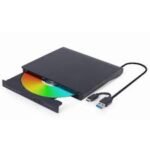 External DVD Writers
 Empty CD / DVD
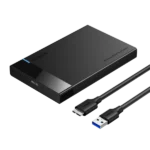 Hard Disk Enclosures and Caddys
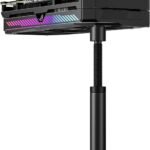 Graphics Card GPU Holder
 Land Phones
 Memory Card Readers
 Power Extension Cords
 Power Banks
 Power Packs
 Phone Chargers
 Projector Presenters
 TV Stick & Screen Mirror Device
 THERMAL PASTE , THERMAL PAD & THERMAL PUTTY
 Tool Kits
 Tripods, Phone Holders, Ring Lights & Selfie Sticks
 Voice Recorder
 Virus Guards
 Wall Brackets
 Audio Cables
 Display Port Cable
 DVI Cable
 Extension Cable
 HDMI Cable
 Lightning Cables
 Micro Cables
 Network Cables
 Optical Cable
 Parallel Cable
 Power Cables
 Printer Cables
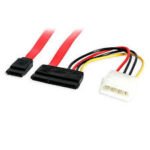 SATA DATA & Power Cables
 Type C Cables
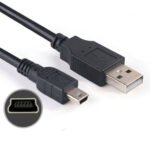 USB to Mini USB Cable (V3 Cable)
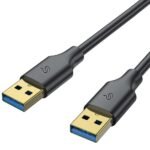 USB Male to USB Male Cable
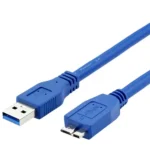 USB 3.0 Hard Disk Cable (External Hard Disk Cable)
 VGA Cable
 Promotions
 Shop
Shop Quotation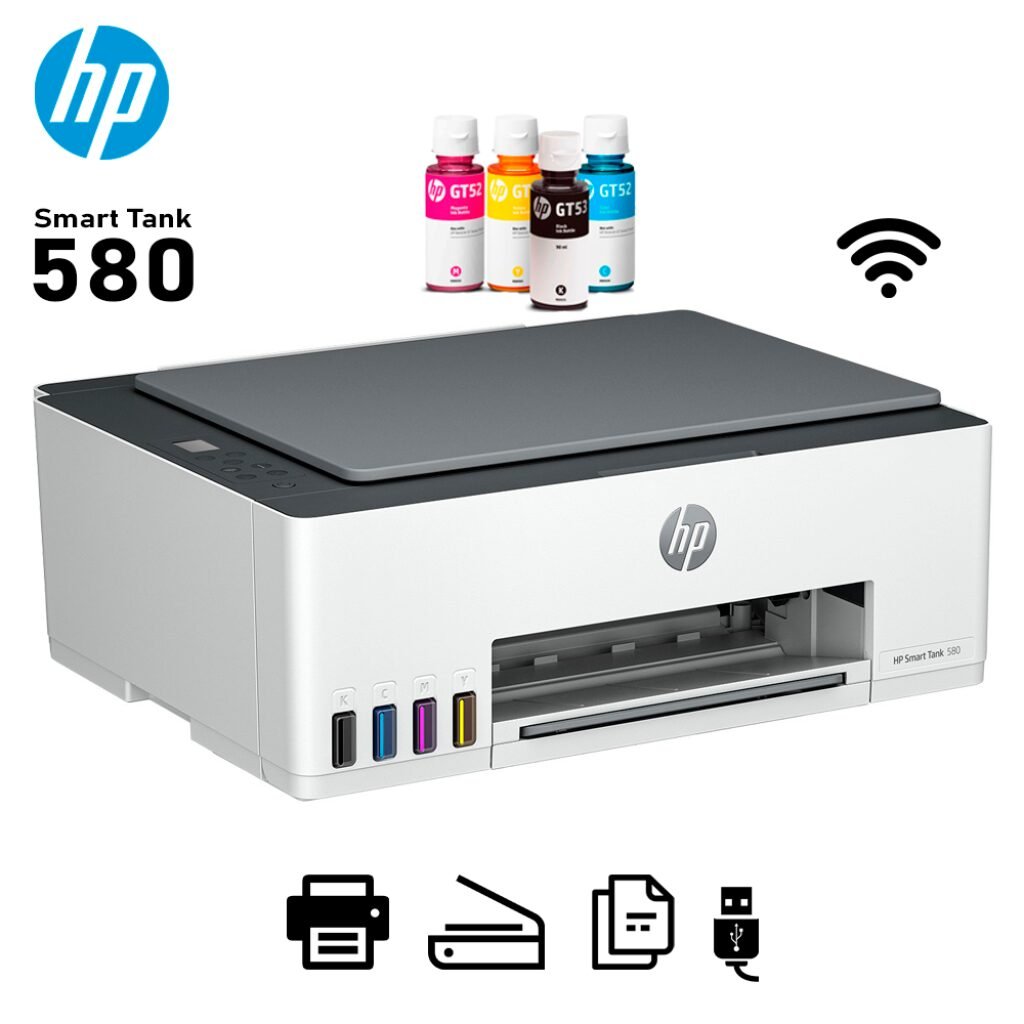



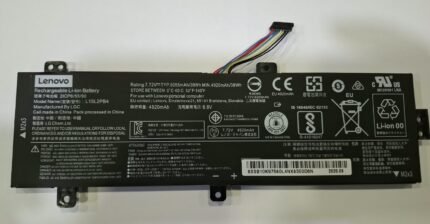
Lenovo L15L2PB4 Laptop Battery (ideapad 310-15IKB / 310-15ABR / 310-15ISK) ORG (6MW)
රු9,900.00
or 3 X රු19,833.33 with




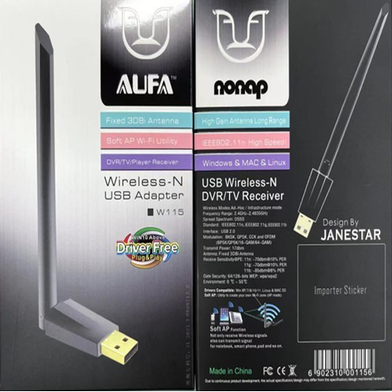
AUFA 150Mbps Antenna Wifi Adapter W115 (6MW)
රු1,500.00
or 3 X රු19,833.33 with
රු59,500.00
or 3 X රු19,833.33 with

Description
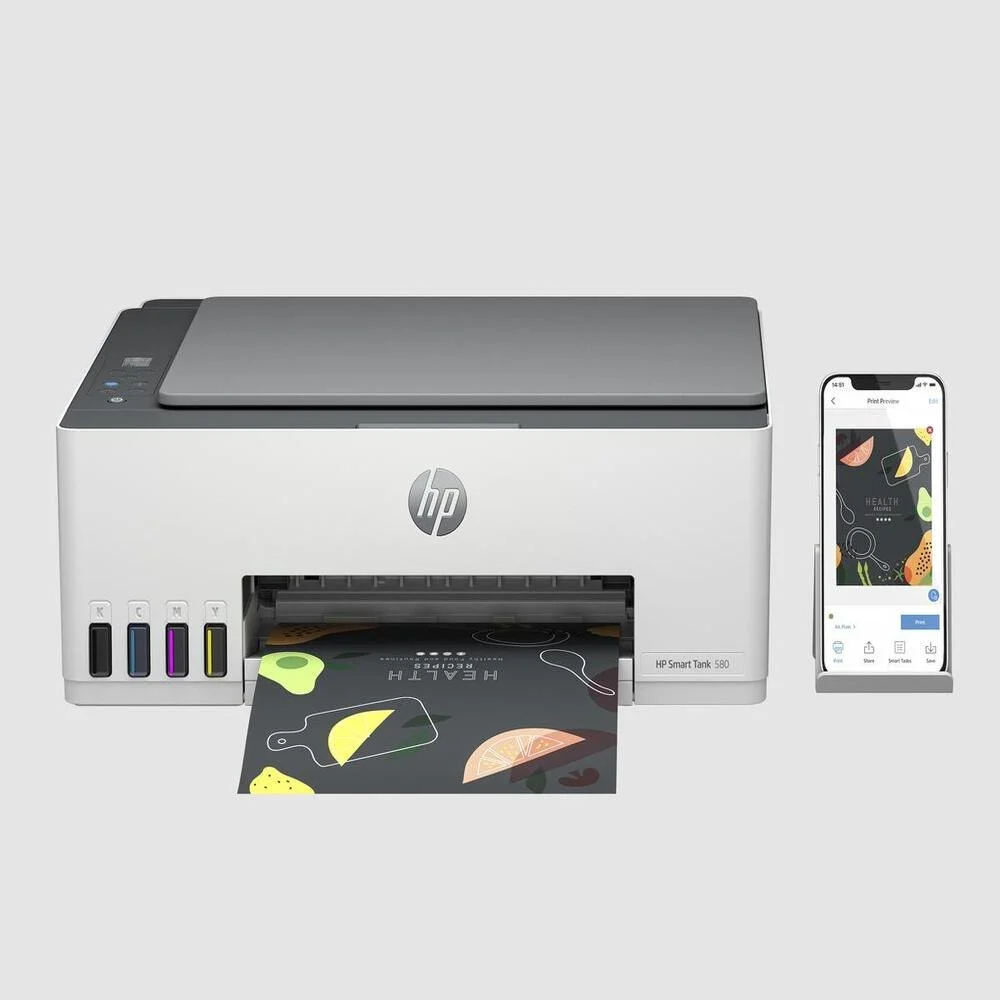
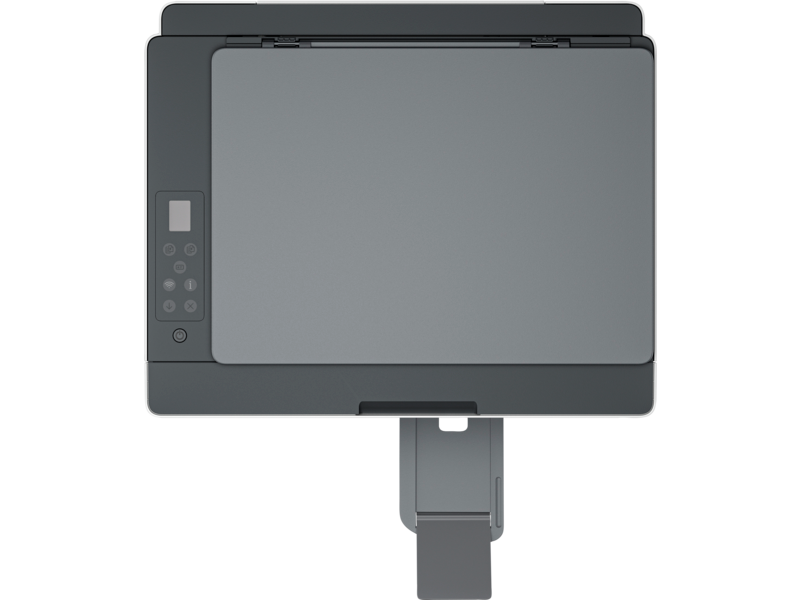
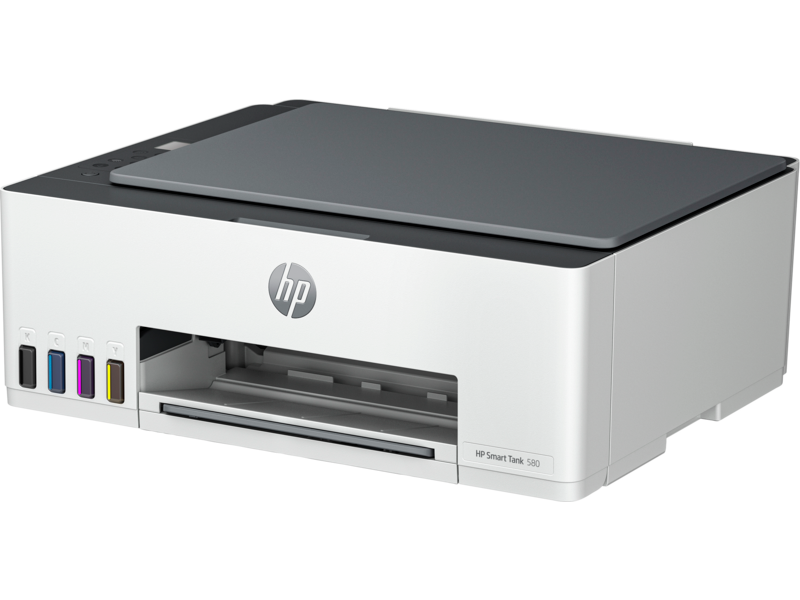
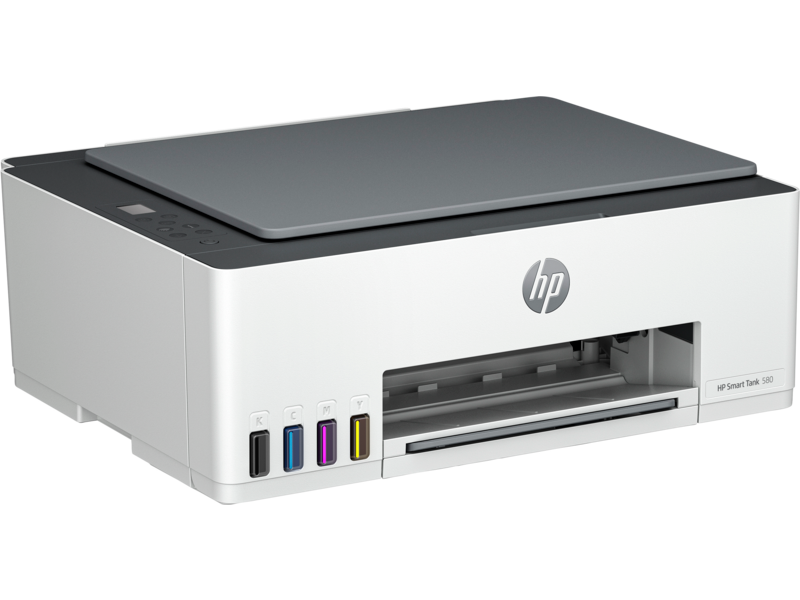
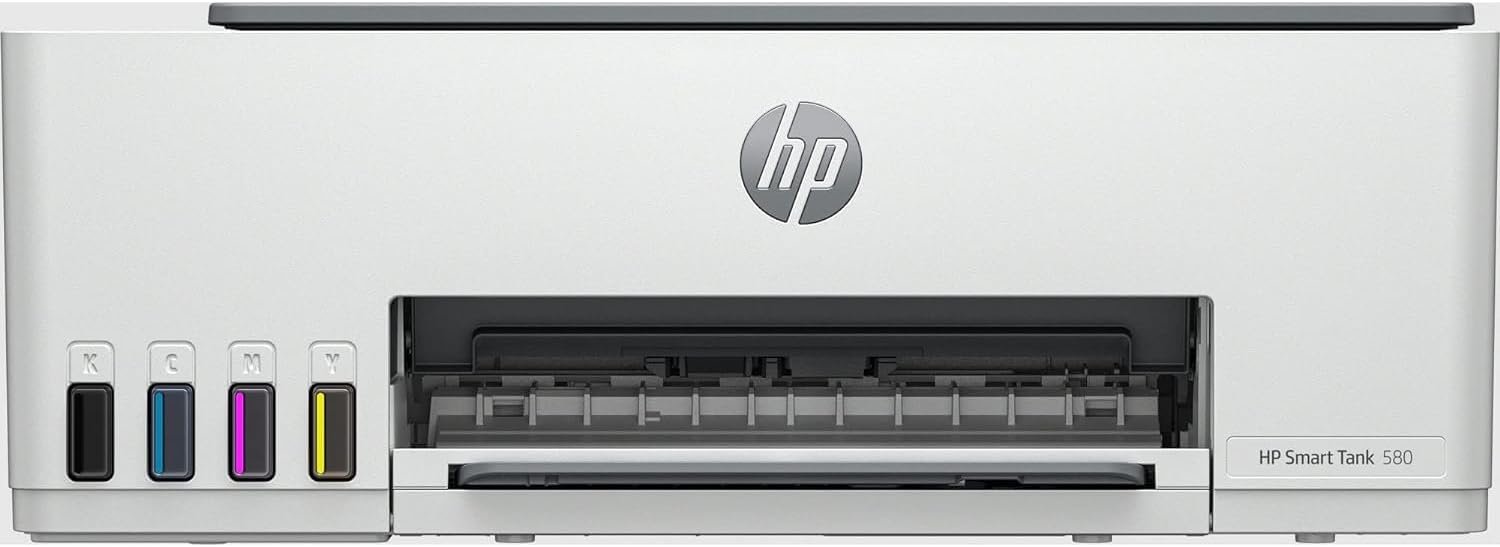
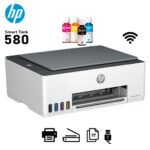
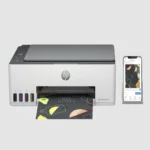
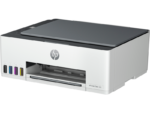
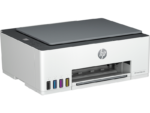
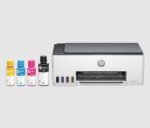
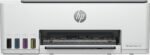
HP Smart Tank 580 Wireless All in one Colour Printer
(Print/Scan/Copy/Wi-Fi/Mobile Print)
( One Year Or 10000 Pages witch ever Comes 1st Warranty)
HP Smart Tank 580 All-in-One Printer
Enjoy everyday reliability with the HP Smart Tank 580 wireless All-in-One printer that delivers HP quality you expect and savings that are anything but expected
- Functions: Print, copy, scan
- Print speed: Print speed up to 12 ppm (black) and 5 ppm (color) 1
- Print quality black (best): Up to 1200 x 1200 rendered dpi
Enjoy everyday reliability with the HP quality you expect and savings that are anything but expected

Mobile-guided, seamless setup
Use the guided, step-by-step animations to quickly set up your printer.5
Smart buttons
Easily manage tasks with smar tbuttons that illuminate and guide you through the printing process.
Low-on-ink sensors
Easily monitor and maintain ink levels with integrated ink sensors
Self-healing Wi-Fi®
Get fast and reliable connections using self-healing Wi-Fi®.4
HP Smart Tank 580 All-in-One Printer (5D1B4A)
| Mobile-guided, seamless setup | Use the guided, step-by-step animations to quickly set up your printer.5 |
|---|---|
| Smart buttons | Easily manage tasks with smar tbuttons that illuminate and guide you through the printing process. |
| Low-on-ink sensors | Easily monitor and maintain ink levels with integrated ink sensors |
| Self-healing Wi-Fi® | Get fast and reliable connections using self-healing Wi-Fi®.4 |
| HP Smart Advance | Print and scan from your phone. Enjoy advanced scanning with HP Smart Tank.2,11 |
| HP Auto On/Auto-Off technology | Turn your printer on when you need it and off when you don’t.6 |
| Engineered for high-volume printing | Get up to 6000 color or black pages of ink bottles included.4 |
| Spill-free ink refill experience | HP’s innovative ink bottle design delivers the cleanest and easiest refill experience for HP Ink Tanks.12 |
| Exceptional HP quality | Count on dark, crisp text, and get vibrant color graphics for all your prints. |
| HP Wolf Essential security | Safeguard your documents and memories right out of the box with critical protection against cyber-threats. |
| Enhanced ID Copy | Easily detects and copy IDs, and print on one page. |
| All-in-one versatility | Get the features you need for work and other tasks with copy, and scan functions. |
HP Smart Tank 580 All-in-One Printer (5D1B4A)
| Functions | Print, copy, scan |
|---|---|
| Print speed black (ISO) | Up to 12 ppm 1 |
| Print speed black (draft, A4) | Up to 22 ppm 1 |
| Print speed black (ISO, A4) | Up to 12 ppm 1 |
| Print speed color (ISO) | Up to 5 ppm 1 |
| Print speed color (draft, A4) | Up to 16 ppm 1 |
| Print Speed Color (ISO) | Up to 5 ppm 1 |
| First page out black (letter, ready) | (For details see: http://www.hp.com/go/printerclaims) |
| First page out black (A4, ready) | As fast as 14 sec (For details see: http://www.hp.com/go/printerclaims) |
| First page out color (letter, ready) | (For details see: http://www.hp.com/go/printerclaims) |
| First page out color (A4, ready) | As fast as 21 sec (For details see: http://www.hp.com/go/printerclaims) |
| Duplex printing | Manual (driver support provided) |
| Duty cycle (monthly, letter) | Up to 3,000 pagesUp to 3,000 pages (Duty cycle is the maximum number of pages that can be printed in a month, but this page volume is not recommended on an ongoing basis.) |
| Duty cycle (monthly, A4) | Up to 3,000 pages (Duty cycle is the maximum number of pages that can be printed in a month, but this page volume is not recommended on an ongoing basis.) |
| Recommended monthly page volume | 400 to 800 (HP recommends the number of pages printed not exceed the recommended monthly page volume for optimum device performance.) |
| Print quality black (best) | Up to 1200 x 1200 rendered dpi |
| Print quality color (best) | Up to 4800 x 1200 optimized dpi color (when printing from a computer and 1200 input dpi) |
| Print languages | HP PCL 3 GUI; HP PCLm (HP Apps/UPD); URF (AirPrint) |
| Print technology | HP Thermal Inkjet |
| Connectivity, standard | 1 Hi-Speed USB 2.0 (device); 1 Wi-Fi 802.11b/g/n; 1 Wi-Fi Direct |
| Mobile printing capability | HP app; Apple AirPrint; Mopria Print Service; HP Print Service Plugin (Android printing); Wi-Fi® Direct Printing 2 |
| Network capabilities | Yes (via WiFi) |
| Wireless capability | Yes, built-in Wi-Fi 2.4G, Wi-Fi Direct |
| Wireless technologies | 802.11b/g/n |
| Minimum System Requirements for Macintosh | Apple® macOS v10.15 Catalina, macOS v11 Big Sur, macOS v12 Monterey; 2 GB HD; Internet required |
| Minimum System Requirements | Microsoft® Windows® 11, 10; Internet connection, Microsoft® Internet Explorer or Edge. |
| Digital sending standard features | Scan to file (from software); HP Smart Tasks |
| Display | 33 segments + 1.2-inch iCON LCD Display |
| Processor speed | 980 MHz |
| Maximum Memory | 64MB
|
| Memory | 64 MB Integrated DDR1 |
| Compatible Operating Systems | Windows 11; Windows 10; macOS 10.15 Catalina; macOS 11 Big Sur; macOS 12 Monterey; macOS 13 Ventura; macOS 14 Sonoma (Microsoft Windows 11, 10; macOS v10.15 Catalina, macOS v11 Big Sur, macOS v12 Monterey; macOS v13 Ventura; macOS v14 Sonoma; Android; iOS) |
| Paper handling input, standard | 100-sheet input tray |
| Paper handling output, standard | 30-sheet output tray |
| Finished output handling | Sheetfed |
| Media types | Plain paper, Matte Brochure Papers, Glossy Brochure Papers, Photo papers and Envelopes |
| Media sizes supported | A4; B5; A6; DL envelope, legal |
| Media sizes, custom | 88.9 x 127 to 215.9 x 355.6 mm |
| Borderless printing | Yes (up to 8.5 x 11 in, 210 x 297 mm) |
| Media weight, recommended | 75 g/m² |
| File Format Supported | JPG; PDF |
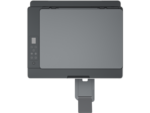
| Scanner type | Flatbed only |
| Scan file format | JPG; PDF; PNG; TIFF; HEIF |
| Enhanced scanning resolution | Up to 1200 dpi |
| Scan resolution, optical | Up to 1200 dpi |
| Scan resolution, hardware | Up to 1200 x 1200 dpi |
| Scan size, maximum | 216 x 297 mm |
| Scan speed (normal, A4) | Up to 200 ppi/19 secs (color), up to 200 ppi/10 secs (mono) |
| Scan technology | Contact Image Sensor (CIS) |
| Copy speed black (ISO) | Up to 10 cpm 3 |
| Copy speed color (ISO) | Up to 2 cpm 3 |
| Copy resolution (black text) | Up to 600 dpi |
| Copy resolution (color text and graphics) | Up to 600 x 600 dpi |
| Copy resolution (black graphics) | Up to 600 dpi |
| Copies, maximum | Up to 99 copies |
| Copy reduce / enlarge settings | Via HP app |
| Copier settings | Number of Copies, Resize, Quality, Lighter/Darker, Papersize, Papertype, ID Copy, Enhancement |
| Power consumption | 0.109 watts (manual-Off), 3.023 watts (ready), 1.096 watt (sleep) 4 |
| Power | Input voltage 100 to 240 VAC (+/- 10%), 50/60 Hz (+/- 3 Hz). High voltage: Input voltage 200 to 240 VAC (+/- 10%), 50/60 Hz (+/- 3Hz) |
| Operating humidity range | 15 to 80% RH (non-condensing) |
| Recommended operating humidity range | 20 to 80% RH |
| Non-Operating Humidity Range | 5 to 90% RH (non-condensing) |
| Operating temperature range | 5 to 40°C |
| Operating temperature range | 41 to 104°F |
| Energy savings feature technology | HP Auto-Off Technology |
| Ecolabels | Conforms to ecolabel energy efficiency limits |
| Energy star certified | No |
| Safety | IEC 60950-1 & IEC62368-1 compliant; EU RED and EN 60950-1 & EN 62368-1 compliant; Singapore Safety; China CCC; Taiwan BSMI |
| Security management | No |
| Dimensions (W x D x H) | 434.66 x 361.53 x 157.26 mm 5 |
| Maximum dimensions (W x D x H) | 434.66 x 580.65 x 259.37 mm 5 |
| Weight | 5.03 kg |
| Product color | Light basalt |
| Print Cartridges/Bottle, Number | 4 (1 each black bottle, set of 3 color bottles) |
| Replacement cartridges | North America: HP GT53 90-ml Black Original Ink Bottle 1VV22AA; HP GT53XL 135-ml Black Original Ink Bottle 1VV21AA; HP GT52 Cyan Original Ink Bottle M0H54AA; HP GT52 Magenta Original Ink Bottle M0H55AA; HP GT52 Yellow Original Ink Bottle M0H56AA; Europe Middle East and Africa: HP GT53XL 135-ml Black Original Ink Bottle 1VV21AE; HP GT52 Cyan Original Ink Bottle M0H54AE; HP GT52 Magenta Original Ink Bottle M0H55AE; HP GT52 Yellow Original Ink Bottle M0H56AE; Asia Pacific: HP GT53 90-ml Black Original Ink Bottle 1VV22AA; HP GT53XL 135-ml Black Original Ink Bottle 1VV21AA; HP GT52 Cyan Original Ink Bottle M0H54AA; HP GT52 Magenta Original Ink Bottle M0H55AA; HP GT52 Yellow Original Ink Bottle M0H56AA; Latin America: HP GT53 90-ml Black Original Ink Bottle 1VV22AL; HP GT52 Cyan Original Ink Bottle M0H54AL; HP GT52 Magenta Original Ink Bottle M0H55AL; HP GT52 Yellow Original Ink Bottle M0H56AL; HP GT52 3-pack Cyan/Magenta/Yellow Original Ink Bottles X4E44AL. For more information about fill and yield, see http://www.hp.com/go/learnaboutsupplies . 6 (Black and composite color average per bottle (cyan/magenta/yellow) results based on HP methodology from the simulation of continuous printing of ISO/IEC 24712 test pages. Not based on ISO/IEC 24711 test process. An additional black ink bottle is required to print 8,000 color test pages. Actual yield varies based on content of printed pages and other factors. Some ink from included bottles is used to start up the printer. For more information about fill and yield, see http://www.hp.com/go/learnaboutsupplies .) |
| Manufacturer Warranty | One-year or 10,000 pages limited hardware warranty, whichever is earlier from the date of purchase. For more info please visit us at http://support.hp.com |
Shipping and Delivery