 Processors
 Motherboard
 Memory (RAM)
 Storage Devices
 Graphic Card
 Power Supply
 CPU COOLERS
 Casings
 Cooling Fans & Controllers
 Casing Fans
 Fan Controllers
 Keyboard
 Keyboard & Mouse Combo Packs
 Mouse
Mouse Speaker
 Gaming Controllers
 Headset
 Web Camera
 Sound Card
 Bluetooth Adapter
 USB HUBS
 Microphones
 Mouse pad
 Brand New System Units
 Used System Units
 Brand New
 Recondition
 Monitor Arm
 Brand New Laptops
 Recondition Laptops
 Laptop Batteries
 Laptops Bags & Pouch
 Laptop Charges
 Laptop Cooling Fans
 Laptop Display
 Laptop DC Jacks
 Laptop Keyboards
 Laptop Protection Stickers
 Laptop Speakers
 Laptop Stands & Cooling Pads
 Access Points
 ADSL Routers
 Dongles
 Face Plate
 Mobile Wi-Fi Hotspot
 Network Switch
 Network Tools
 Network Cables
 Network Connectors
 Network Cards
 Telephone Cables & Accessories
 USB WIFI Adapters
 Unlocked Wi-Fi Routers
 USB /Type C Lan Adapters
 WIFI Extenders
 Ugreen Audio Cables & Sound Accessories
 Ugreen Converters
 Ugreen Car Chargers
 Ugreen Display Port Cable (DP)
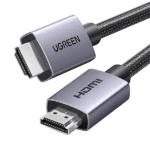 Ugreen HDMI Cable
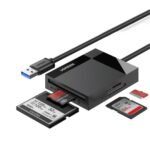 Ugreen Memory Card Readers
 Ugreen Network Accessories
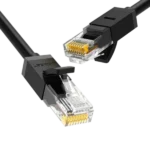 Ugreen Network Cable
 Ugreen Other Accessories
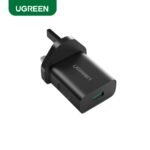 Ugreen Phone Charges
 Ugreen Power Banks
 Ugreen Type C to C Cables
 Ugreen TYPE C HUB & CONVERTERS
 Ugreen Type C to Lightning Cables
 Ugreen USB to Type C Cables
 Ugreen USB HUB
 Ugreen USB to Micro Cables
 Ugreen USB to Lightning Cables
 Ugreen VGA Cable
 Baseus Car Chargers
 Baseus Converters
 Baseus HDMI Cable
 Baseus Network Cable
 Baseus OTG Connectors
 Baseus Other Prodcuts
 Baseus Phone Charges
 Baseus Power Banks
 Baseus TYPE C HUB & CONVERTERS
 Baseus Type C to C Cables
 Baseus Type C to Lightning Cables
 Baseus USB to Lightning Cables
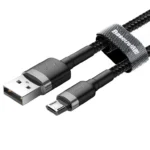 Baseus USB to Micro Cables
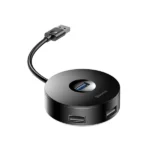 Baseus USB HUB
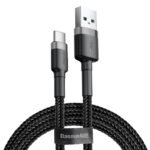 Baseus USB to Type C Cables
 SSD SATA 2.5”
 Pen Drive
 NVME
NVME External HDD
 Memory Cards
 Desktop Hard Drives
 Laptop Hard Drive
 CCTV Hard Drives
 External SSDs
 M.2 SATA
 Cartridge Printer
 Ink Tank Printers
 Laser Printers
 Wi-Fi Printers
 Scanners
 Audio Converters
 Display Port Converters
 DVI Converters
 HDMI Converters
 Hard Disk Converters
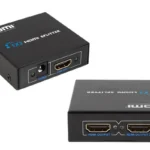 HDMI Splitter
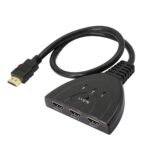 HDMI Switch
 OTG
OTG Other Converters
 Type C Hubs & Converters
 VGA Converters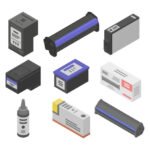
 Cartridges
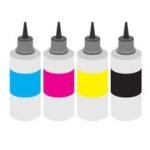 ink Bottles
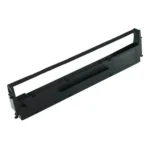 Ribbons
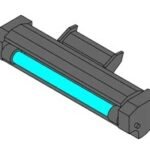 Toners
 Printer Heads
 Printer Drums
 Printer Spare Parts
 Barcode Scanner
 Barcode Printer
 Bill Rolls & Barcode Stickers
 Bill Printer
 Cash Drawers
 Line Interactive UPS
 UPS Batteries
 Router UPS
 Online UPS
 AA & AAA Batteries
 A4 & Computer Papers
 CMOS Batteries
 Capture Card
 Cleaning Tools & Accessories
 CCTV Cameras & Accessories
 Car & Bike Phone Holders
 Car Chargers
 External DVD Writers
 Empty CD / DVD
 Hard Disk Enclosures and Caddys
 Graphics Card GPU Holder
 Land Phones
 Memory Card Readers
 Power Extension Cords
 Power Banks
 Power Packs
 Phone Chargers
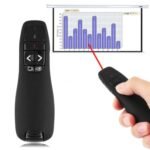 Projector Presenters
 TV Stick & Screen Mirror Device
 THERMAL PASTE , THERMAL PAD & THERMAL PUTTY
 Tool Kits
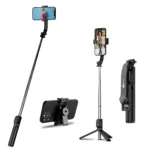 Tripods, Phone Holders, Ring Lights & Selfie Sticks
 Voice Recorder
 Virus Guards
 Wall Brackets
 Audio Cables
 Display Port Cable
 DVI Cable
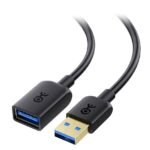 Extension Cable
 HDMI Cable
 Lightning Cables
 Micro Cables
 Network Cables
 Optical Cable
 Parallel Cable
 Power Cables
 Printer Cables
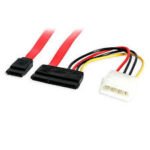 SATA DATA & Power Cables
 Type C Cables
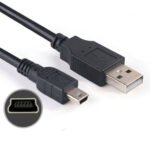 USB to Mini USB Cable (V3 Cable)
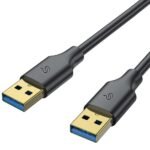 USB Male to USB Male Cable
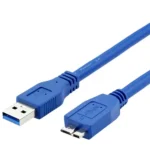 USB 3.0 Hard Disk Cable (External Hard Disk Cable)
 VGA Cable
 Promotions
 Shop
Shop Quotation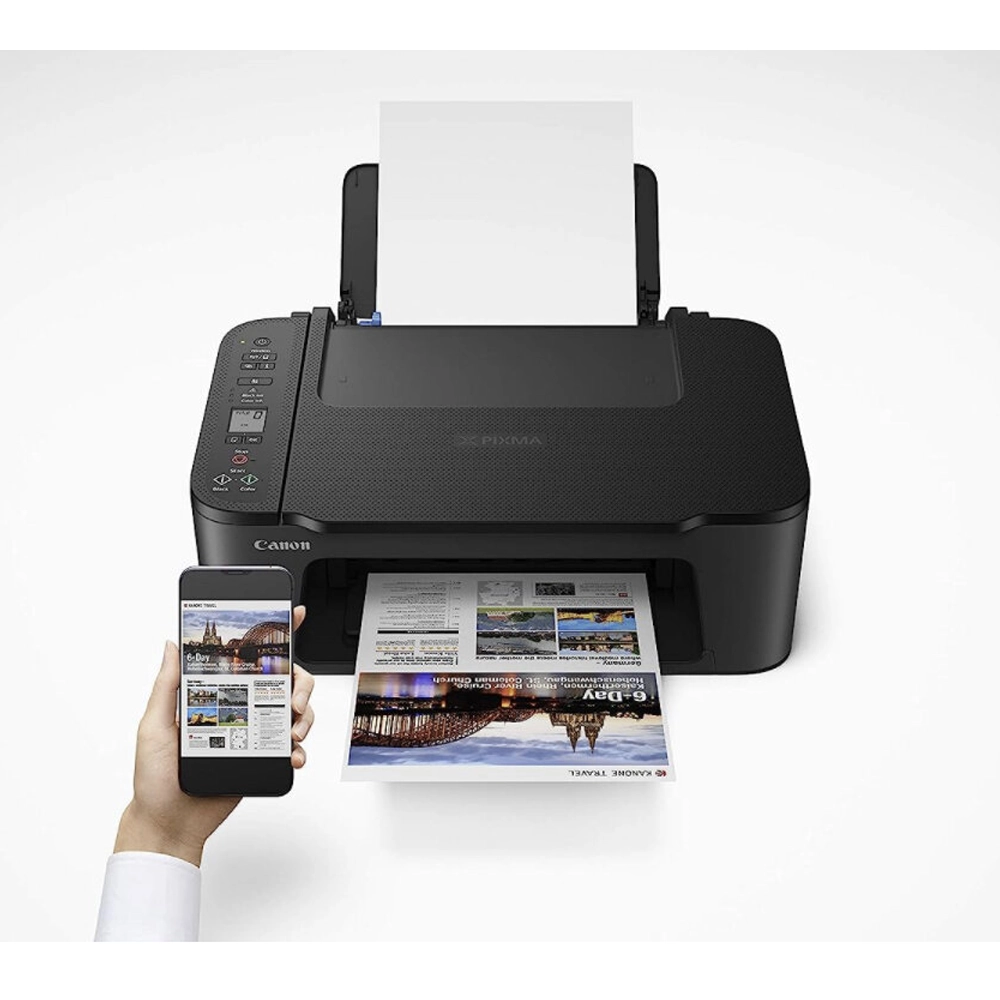




රු23,800.00

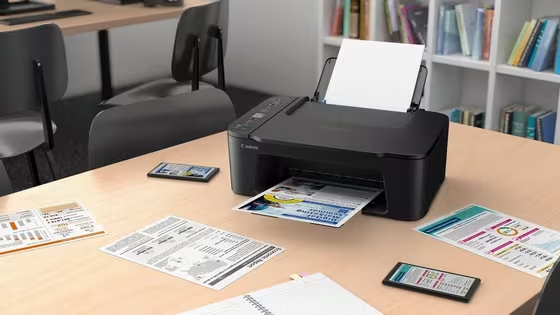
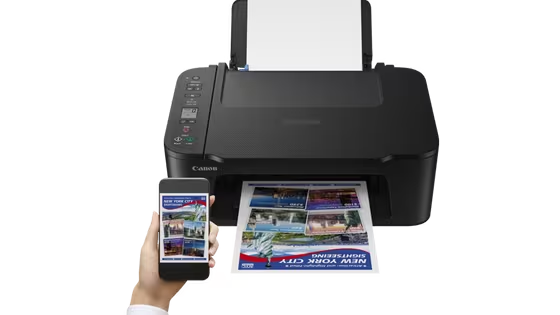
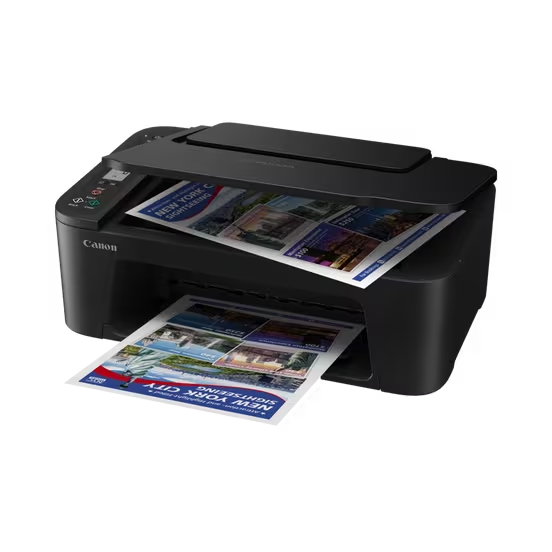
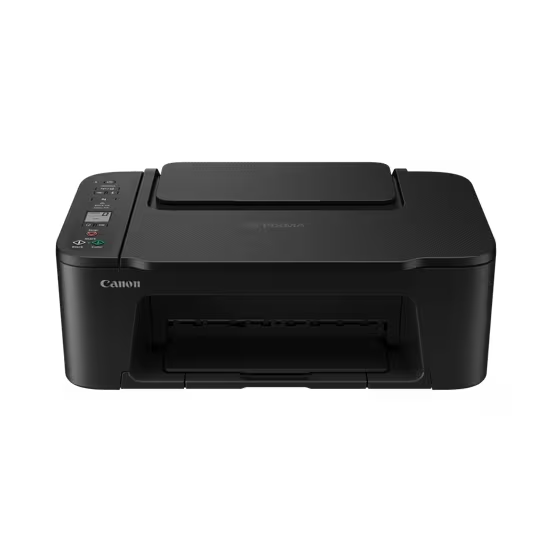
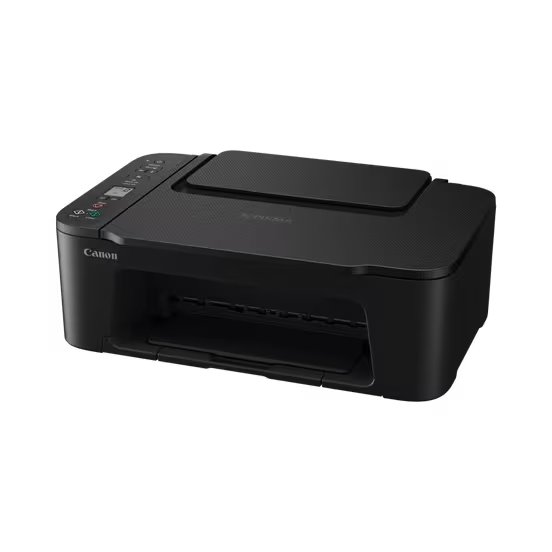
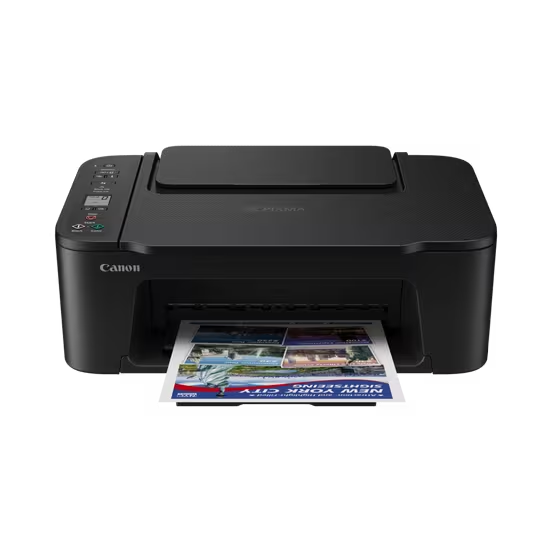
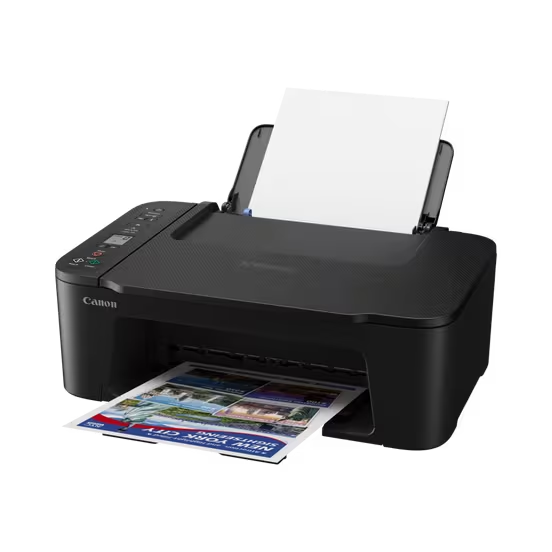
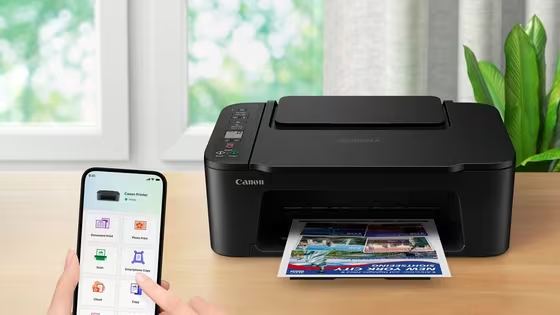
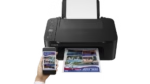
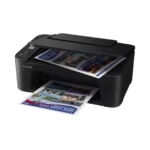
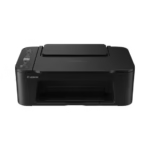
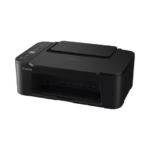
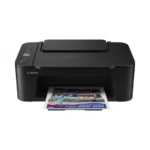
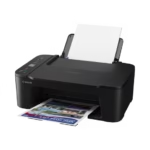
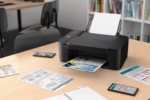
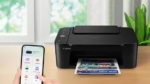
Canon PIXMA TS3640 Wireless Colour All-in-One Inkjet Printer
Print | Copy | Scan | Wireless |
One Year Warranty
Canon PIXMA TS3640
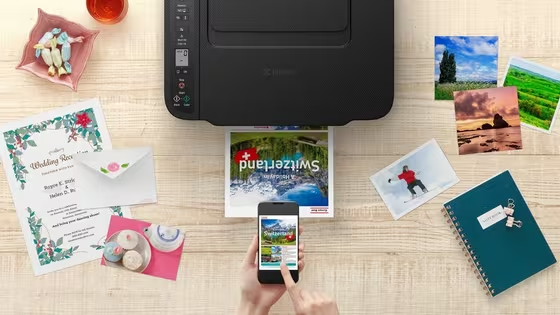
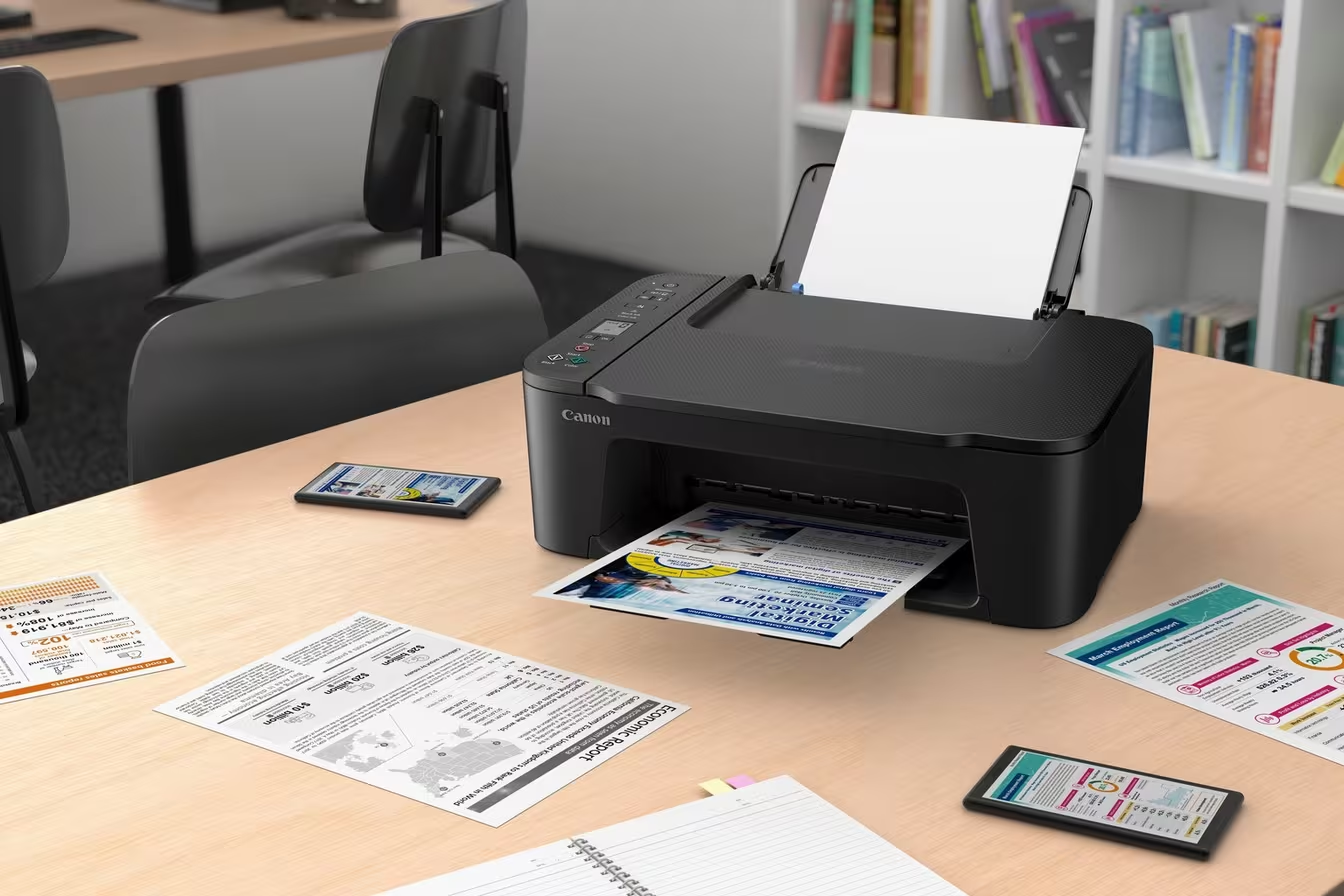
Print, copy and scan with our entry-level multifunction printer for home and office. It’s super-simple to set up and use, and allows smartphone printing for extra versatility.
Print, copy, scan: it’s so easy!
You’ll love the simplicity of the Canon PIXMA TS3640. Compact, affordable and easy to use, it’s the perfect all-rounder. It offers smartphone compatibility, a clear 1.5” mono LCD and crisp, sharp printing for text and photos.
Specifications in detail
General Specifications
- FunctionsWi-Fi, Print, Copy, Scan, Cloud
Printer Specifications
- Print ResolutionUp to 4800 1 x 1200 dpi
- Print Technology2 FINE Cartridges (Black and Colour)
- Mono Print SpeedApprox. 7.7 ipm 2
- Colour Print SpeedApprox. 4.0 ipm 3
- Photo Print SpeedBorderless 10x15cm : Approx. 65 seconds 4
- Borderless PrintingYes (13x18cm, 10x15cm, 13x13cm)
- Two Sided PrintingManual operation
Cartridges and Yields
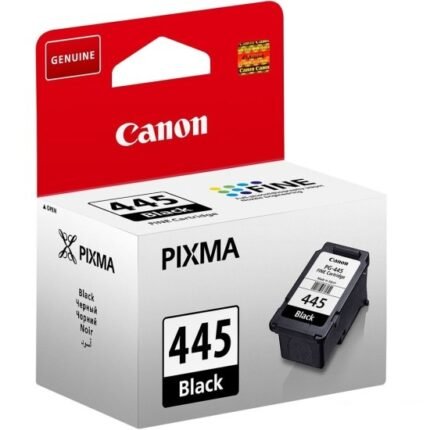
- Standard Ink CartridgesPG-445, PG-445XL (Black)
CL-446, CL-446XL (Colour) - Cartridge Yield (Plain Paper)A4 colour documents printing 5
Black: 180 pages
Black XL: 400 pages
Colour: 180 pages
Colour XL: 300 pages
Paper Support
- Paper TypesPlain Paper
Photo Paper Plus Glossy II (PP-201)
Photo Paper Glossy “Everyday Use” (GP-501)
Magnetic Photo Paper (MG-101)
Restickable Photo Paper (RP-101)
Canon Red Label Superior (WOP111)
Canon Oce Office Colour Paper (SAT213) - Maximum Paper Input
Rear tray: Max. 60 sheets (plain paper)
*Please refer to online manual for a detailed list of paper load limits, which will vary depending on media type and page size selected.
- Paper SizesPlain paper: A4, A5, B5, Letter, Legal
Photo paper: 13x18cm, 10x15cm, 13x13cm[Custom size]
width 89 mm – 215.9 mm, length 127 mm – 676 mm - Paper WeightPlain paper: 64 – 105 g/m²
Canon photo paper: up to 275 g/m²
Scanner Specifications
- Scanner TypeCIS flatbed photo and document scanner
- Scanner Resolution (Optical)600 x 1200 dpi 6
- Maximum Document Size216 x 297 mm
Copier Specifications
- Copy Speed
- Multiple Copy20 copies (max.)
- Copy FunctionsDocument copy, Borderless copy
- Copy Zoom25 – 400%
Fit to page 9 - Document Size216 x 297 mm
Interface
- Display Type & Size3.7cm LCD segment mono
Connectivity
- Standard InterfaceHi-Speed USB (B Port)
Wi-Fi: IEEE802.11 b/g/n
Wi-Fi Security: WPA-PSK(AES), WPA2-PSK(AES), WPA3-SAE(AES)
Wireless LAN Frequency Band: 2.4GHz - Mobile AppsCanon PRINT app
Easy-PhotoPrint Editor
Creative Park app
Cloud Link
Canon Print Service Plugin (Android)
Apple AirPrint
Access Point Mode
WLAN PictBridge
Mopria (Android)
Software
- Supported Operating Systems
Windows 11, Windows 11 ARM, Windows 10, Windows 8.1, Windows 7 SP1
Operation can only be guaranteed on a PC with pre-installed Windows 7 or later.
macOS 10.15. 67 ~macOS 14
*OS compatibility confirmed at time of launch, please check the Canon Download Centre for support of subsequently released OS’s for this product.
- Supported Mobile SystemsiOS, iPadOS, Android, ChromeOS
- Minimum System RequirementsDisplay: 1024 x 768 XGA
Installation: Internet, CD-ROM (Windows) - Software IncludedMP Driver including Scanning Utility
Easy-PhotoPrint Editor (download)
Physical Features
- Weightapprox. 4 kg
- Dimensions (W x D x H)approx. 435 x 327 x 145 mm
- Acoustic Noise Levelsapprox. 48.0 dB(A) 10
- Recommended Operating EnvironmentTemperature: 5-35°C
Humidity: 10-90%RH (no dew condensation) - Power SourceAC 100-240V, 50/60Hz
- Power ConsumptionOff: Approx. 0.3 W
Standby (connected to PC via USB): Approx. 0.8 W (scanning lamp off)
Standby (all ports connected): Approx. 1.3 W (scanning lamp is off)
Time to enter Standby mode: 10 min 01 sec
Copying: Approx. 9 W 11
Standard disclaimers
All specifications subject to change without notice.
Print speed may vary depending on system configuration, interface, software, document complexity, print mode, page coverage, type of paper used etc.
Ink yield may vary depending on texts/photos printed, applications software used, print mode and type of paper used. For yield information see www.canon-europe.com/ink/yield
Scan speed may vary depending on system configuration, interface, software, scan mode settings and document size etc.
Copy speed may vary depending on document complexity, copy mode, page coverage, type of paper used etc. and does not take into account warming up time.
All brand and product names are trademarks of their respective companies.
Microsoft, Windows and the Windows logo are trademarks, or registered trademarks of Microsoft Corporation in the United States and/or other countries.
- Ink droplets can be placed with a minimum pitch of 1/4800 inch.
- Document print speeds are the averages of ESAT in Office Category Test for the default simplex mode, ISO/IEC 24734.
Photo print speed is based on the default setting using ISO/JIS-SCID N2 on Photo Paper Plus Glossy II and does not take into account data processing time on host computer. - Document print speeds are the averages of ESAT in Office Category Test for the default simplex mode, ISO/IEC 24734.
Photo print speed is based on the default setting using ISO/JIS-SCID N2 on Photo Paper Plus Glossy II and does not take into account data processing time on host computer. - Document print speeds are the averages of ESAT in Office Category Test for the default simplex mode, ISO/IEC 24734.
Photo print speed is based on the default setting using ISO/JIS-SCID N2 on Photo Paper Plus Glossy II and does not take into account data processing time on host computer. - Declared yield value in accordance with ISO/IEC 24711 standard. Values obtained by continuous printing.
- Optical resolution is a measure of maximum hardware sampling resolution, based on ISO 14473 standard.
- Copy speeds are the average of sFCOT and sESAT, ISO/IEC 29183.
Copy speed may vary depending on document complexity, copy mode, page coverage, type of paper used etc. and does not take into account warming up time. - Copy speeds are the average of sFCOT and sESAT, ISO/IEC 29183.
Copy speed may vary depending on document complexity, copy mode, page coverage, type of paper used etc. and does not take into account warming up time. - Only available for L/4×6/2L/5×7/5×5 Square.
- Acoustic Noise is measured based on ISO7779 standard(colour printing) with default setting.
- When copying ISO/JIS-SCID N2 (printed by inkjet printer) on A4 size plain paper using default settings.
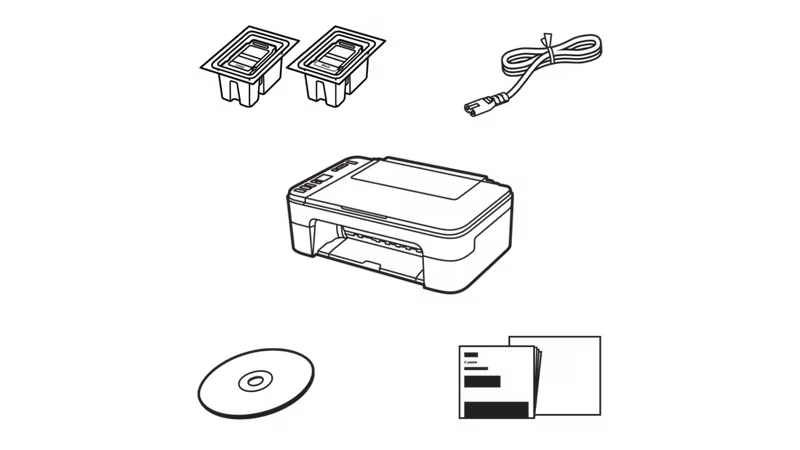
What’s in the box
All you need to get set up and be ready to roll in no time.
All-in-one printer – PIXMA TS3640
FINE cartridges
Power cord
Set-up CD-ROM (CD only for Windows)
Manuals and other documents


Smart simplicity
With a compact, modern design and excellent value, you can print, scan and copy effortlessly. It’s so easy!

Compatible with your tech
You can print, copy and scan from your tablet or smartphone, with wireless compatibility and clean, simple interface.

Super-simple setup
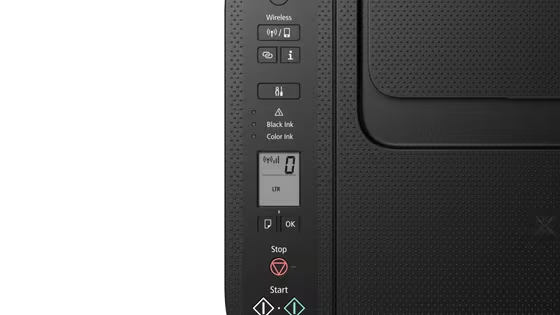
You’ll be up and running in less time than ever with one-touch wireless connectivity and an easier setup procedure.

Seeing is believing
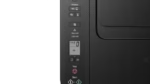
Status updates are shown in plain sight on the crystal-clear 1.5” mono segment LCD screen.

Live without borders
You can print borderless photos up to 5×7” in size; a 4×6” photo prints in just 65 seconds1. Connect directly to your camera with Wi-Fi PictBridge technology.
Specifications
Easy ink replacement
FINE cartridges
Stay connected
Canon PRINT app, AirPrint (iOS) and Mopria (Android)
Head in the cloud
PIXMA Cloud Link via the Canon PRINT app
Load with confidence
Rear paper feed
Clear screen
1.5” mono LCD
Power saving
Auto on/off feature
Crisp and clear
Sharp document text
Printing to the edge
Borderless photos up to 5”x7”